



Intro0:00
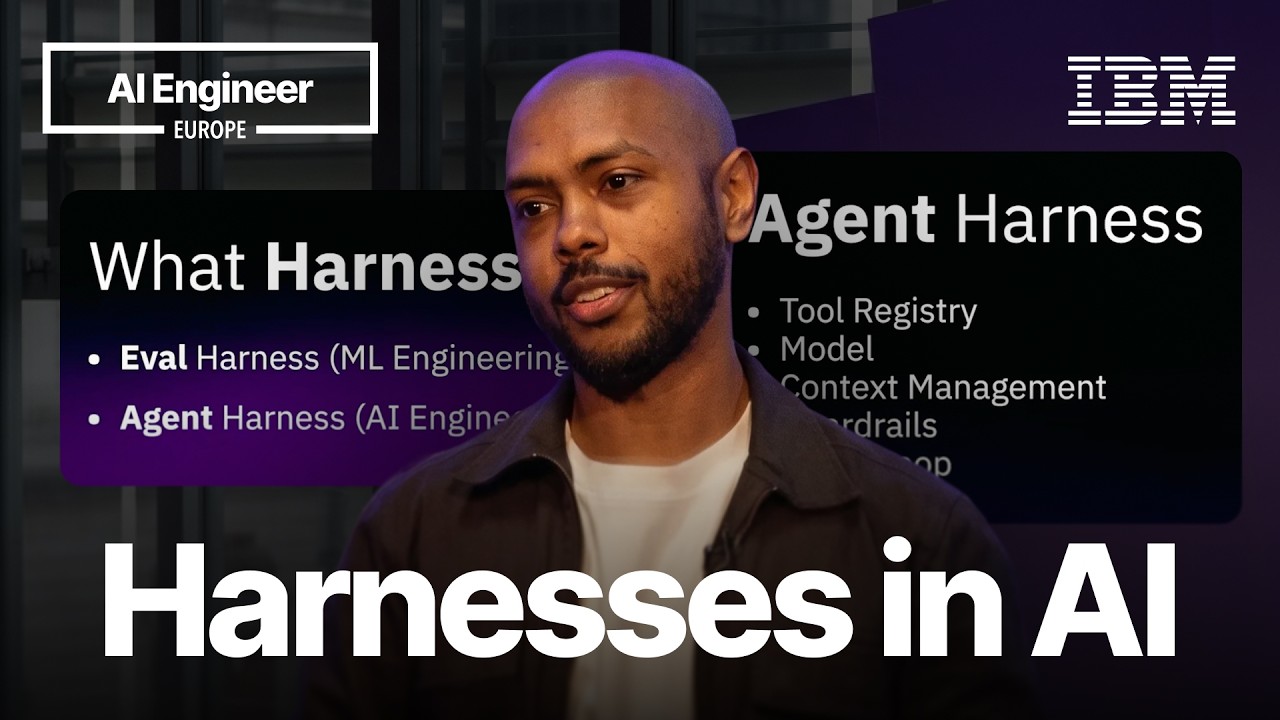
Okay, hey everyone. I'm Kushan, uh, I worked at Sarvam as a Founding Engineer for 2 years. Let's talk about what I'm interested inright now, and that is browser agents. Browser agents, as an idea, are so cool,right? Browser agents should go crazy,right?
Adoption Gap0:12
I personally have not seen their adoption, and me myself, I don't use browser agents that much. I've been exploring that for some time. I've been trying to understand why that is. So, on my screenright now we have the browser challenge, but—uh—this is a very interesting benchmark for browser agents because there are so many things that you have to do: long horizon sequencing of your tasks, and this actually reveals, you know, why browser agents suck.
If you saw at the beginning of the video, the browser—this agent—took, like, maybe 10, 20 seconds just to click the Start button. And now we're on step 1. There are 30 steps, and it has taken so long just to click one button.
Slow Demo0:32
Um, so enough of this. I want to show you what I've been building. So, same website. I've tried to sort of replicate the feeling of seeing what's happening. You know, you can see what the browser agent is thinking.
Fast Agent0:43
But as you can see, it is so much faster and so much quicker, and I'm using a much cheaper model,right? The hypothesis here is: models are pretty smart, but it's the infra around them that sucks. If you noticed in the video earlier—maybe I'll put a screenshot—the agent is trying to debug what's going on.
Core Thesis1:06
It's trying to click something, but it doesn't understand what's going on. So my core thesis here has been: give a nice environment for the agent to use,right? So where it can plan long sequences, it can figure out where it failed, what is going on, and it can plan the click correctly.
What I figured out is a cool representation which compresses the website and lets the agent see the entire page in very few, few tokens. Now, I wanted to show some actual, uh, examples. Let's say I want to download my Aadhaar.
Aadhaar Demo1:30
Um, so this is Claude trying to do it. So I'd assume that this is very simple for a browser agent,right? Take a screenshot, you see the buttonright there, click it. But then what's interesting is that it got stuck after this point.
So from 46 seconds until the end of this video, it took a screenshot, it scrolled for some reason, it took a screenshot. Basically, this entire process took 2 minutes. Whereas in my case, in our video,
it just—so it just boots and boom, done. And that's the beauty of a browser agent: just how quick was that. And I'm using such a cheap model for this. Another interesting example is: so my friends and I are going trekking on, uh, on Sunday, and I was wondering, you know what, because this site is in Kannada and I'm not very fluent in Kannada, like, it took me some time to figure out this website.
So I asked Claude, like, hey, can you book this for me? And by the end of it, it's unable to pick a date, and it's just stuck. This is the video of my agent.
Trekking Demo2:17
So you can see it selects it and
puts in the date, and boom, done,right? It's so simple and convenient to use in theory. So what's next,right? What am I planning on doing? I'm thinking of open sourcing this project because, again, my—this code is not super defensible.
The product that I want to give is, again, maybe an API that, as you can see, we were running these commands. Maybe I just want to expose this command as an API: give me your URL, give me your intent, and I will execute it for you and give it back to you.
Future Plans2:51
Or maybe open this as a website, or expose this as a plugin. But yeah, so bottom line is: I want to make browser agents faster, cheaper, and more reliable, and just make sure everybody in the world is using them because they can just do so much for you.
So yeah, that's the broad idea here. Thank you for watching.
This entire markdown presents the website, that particular page. Let's actually do this interesting comparison,right? Let's go to AIs. The full DOM for this would be around 20,000 tokens. So let's say we have this screenshot. Right, this screenshot is about 1,100 tokens.
Token Efficiency3:25
My markdown is about 1,800 tokens. And instead, in one screenshot where you could see only one particular snippet, you can see the entire website,right? A couple of other things that are important to give feedback,right? So we say that, okay, hey, these are the new things that have popped up on the page.
Smart Feedback3:55
This is now gone,right? And similarly, we can say that, you know, this thing that was blocking a thing that you wanted to click has now been removed. You know, we give it feedback that you tried to click this, but that didn't happen because, you know, we're keeping track of the entire end-to-end browser page,right?
Clean Interface4:09
So all of this together, what I've built, is a very clean representation that basically compresses the website. And you can give this along with the screenshot. It's pretty cheap token-wise. Um, so the model can reason really well, and then it can construct this long sequence of tasks to execute.